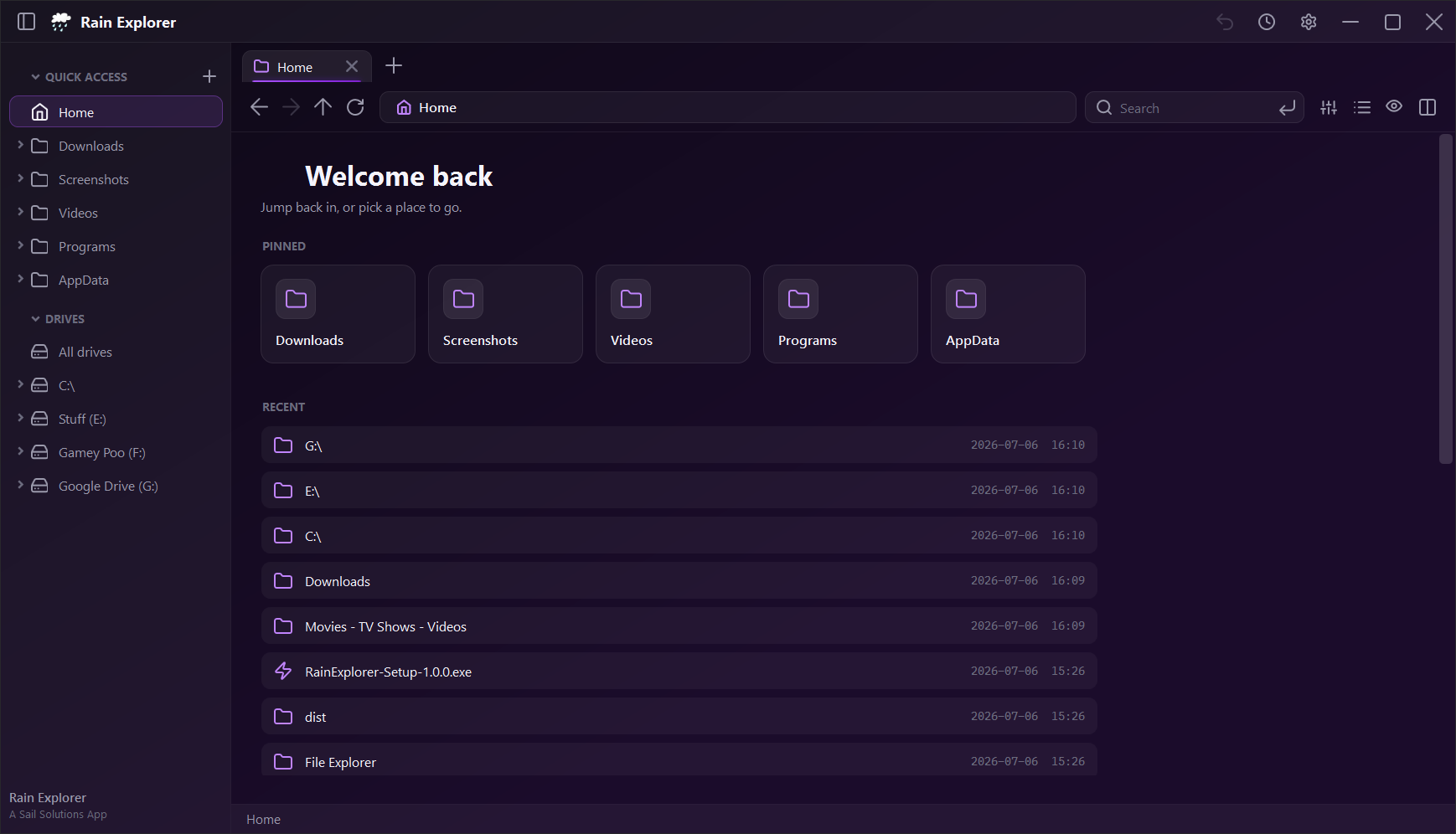
Fast Navigation
Jump between folders instantly — snappy loading, keyboard shortcuts, real Windows file icons, and a clean breadcrumb path that stays out of your way.
Tabbed Browsing
Open a bunch of folders in tabs at once, so you can drag stuff around and compare things without losing your spot.
Instant Search
Hit Ctrl+F and find files as you type, with a subfolder toggle for when you need to dig deeper. No slow index to wait on.
File Previews
Peek at images, text and more right inside the window — no need to open a whole other app just to see what something is.
Customizable Sidebar
Pin your favourite folders into custom lists, drag them into the order you want, and collapse sections that remember their state.
Built-in Archives
Open .rar, .7z, .tar, .gz and .bz2 archives right in the app — plus jump straight to cmd, PowerShell or bash from the address bar.
Tab Projects & Groups
Save a whole workspace as a project, organize related folders into tab groups, and move tabs between panes or windows without losing your place.
Undo & Redo
Undo and redo moves, renames, new files, archive actions, and Recycle Bin changes with the title-bar controls or familiar keyboard shortcuts.
Git & GitHub Tools
Initialize repositories, clone GitHub projects, review changes, stage files, create commits, manage local branches, push updates, and open the remote repository.
Split Panes & Restoration
Browse side by side when you need it, then come back to the same tabs, panes, window placement, and workspace after restarting.
 v1.1.1 — out now!